Everything your piano business runs on.
Clients, pianos, the calendar, the reminders, the drive, the notes and the invoice, in one app built by a piano technician. Here's what each part does, and how.
Fill the week without the phone tag.
Suggested times that fit your route, a calendar that shows the season at a glance, and a booking page clients can use without calling you.
Smart scheduling
Pianobooker reads your week, prices every opening by the driving it adds, and suggests the times that fit your route, with the reason for each.
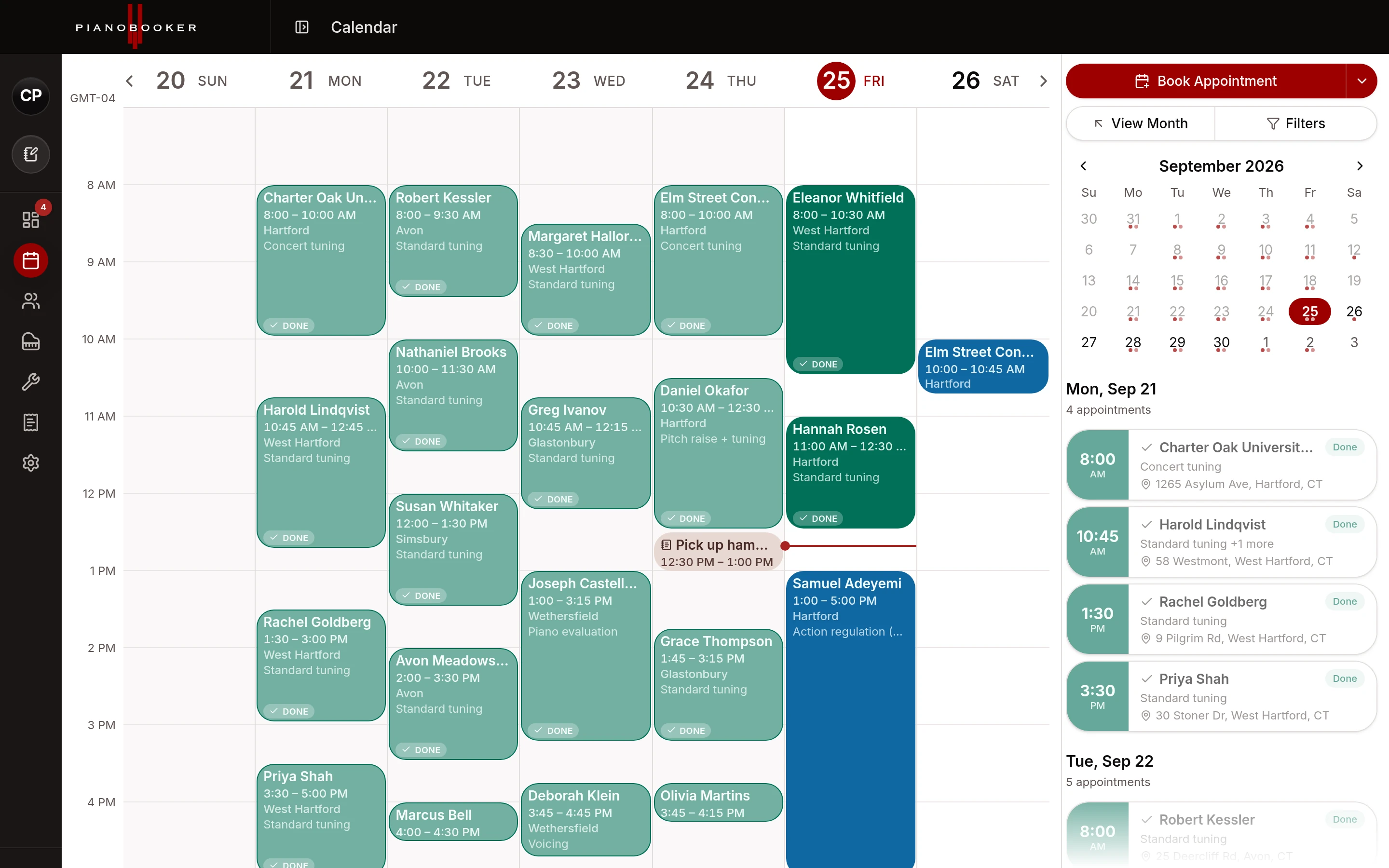
Calendar
Week, month and year views on the desktop, a day-by-day agenda on the phone, blocked time and breaks, and a feed for Google, Apple or Outlook.
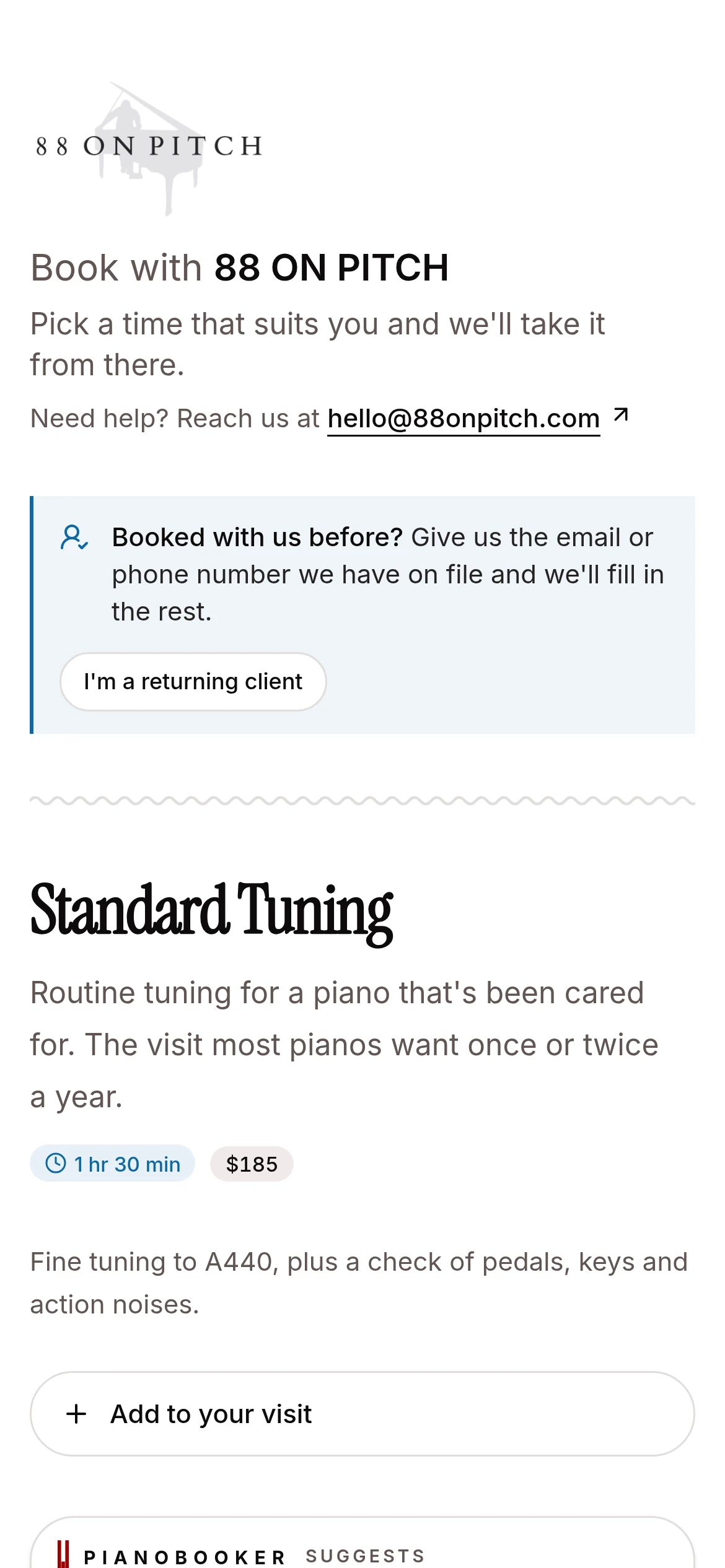
Booking page & branding
A booking page with your logo, your services and your hours. Clients pick a time and you approve it before anything lands on the calendar.
Every piano, remembered.
Each piano's history on its own record, reminders that go out when it's due, and your whole book brought across on day one.
Automated reminders
When a piano comes due, the owner gets an email or text with a link to book. Confirmations and appointment reminders go out on their own.
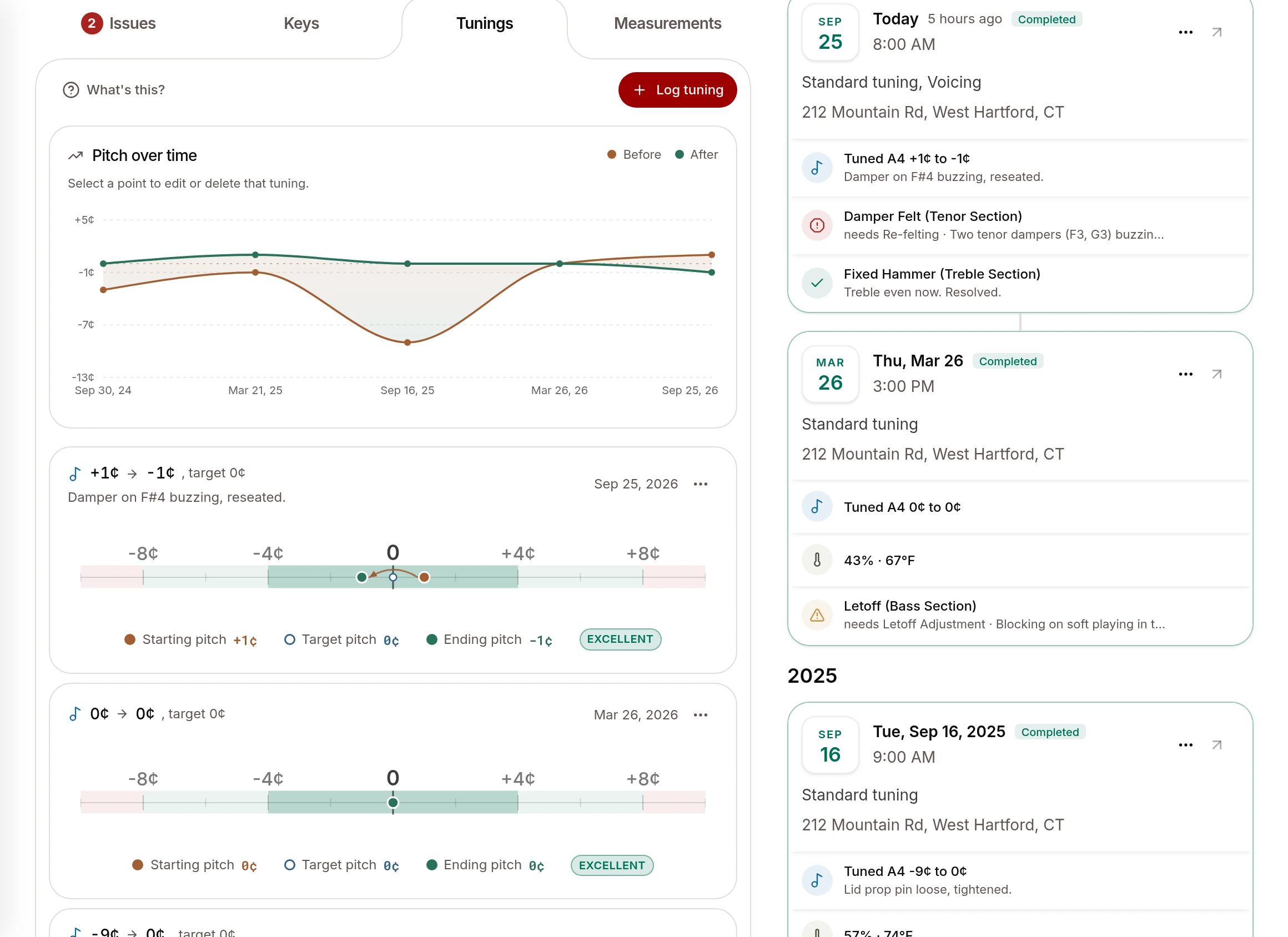
Piano records
Every tuning, measurement and finding on the piano's own record, when it is due next, and a condition report the owner can keep.
 Gazelle
Import from Gazelle & more
Bring every client, piano and past visit over from Gazelle in one go, or start from your phone's contacts, Google, Outlook or a spreadsheet.
From the driveway to the paid invoice.
The drive and the running-late text, the notes you talk through on the way out, and the invoice you send before you leave.
On the road
Check the drive to your next client with live traffic, and send "on my way" or "running late" texts with the time already filled in.
Voice notes
Talk through the visit on the way back to the car. Pianobooker writes it down, tidies it up and files it on the right client and piano.
Estimates, invoices & payments
Send estimates clients approve online and invoices from the visit, and see what is paid and owed. Card payments are coming soon.
The small things that add up.
Find anything
One search across clients, pianos, notes, services, booking pages and appointments, by name, email, phone, city, make, model or serial.
Clients with several contacts
A family, a school or a church: each client can have several contacts, each with their own emails, phones and addresses, and a billing contact.
Pause, don't lose
Mark a client inactive or pause them until a date. Their history stays, and inactive clients do not count toward your plan.
A Feedback button on every screen
Type a line, say it out loud or record your screen. It goes straight to the people building Pianobooker.
What's New, every week
Updates land continuously with nothing to install, and What's New in the app shows what changed.
Your data, exportable
Export clients and pianos to a spreadsheet from their lists whenever you like.
Try it on your own clients.
Start on the Free plan with up to 5 clients, no card needed, and move up when your book does. Or talk to Randy about how it would fit your business.